
 Coming soon for iPhone & iPad
Make a little music.
Make it your own.
A guitar, a puppy, a happy little drum. With Pluki, every sticker is a sound—and every tap can be the start of a song.
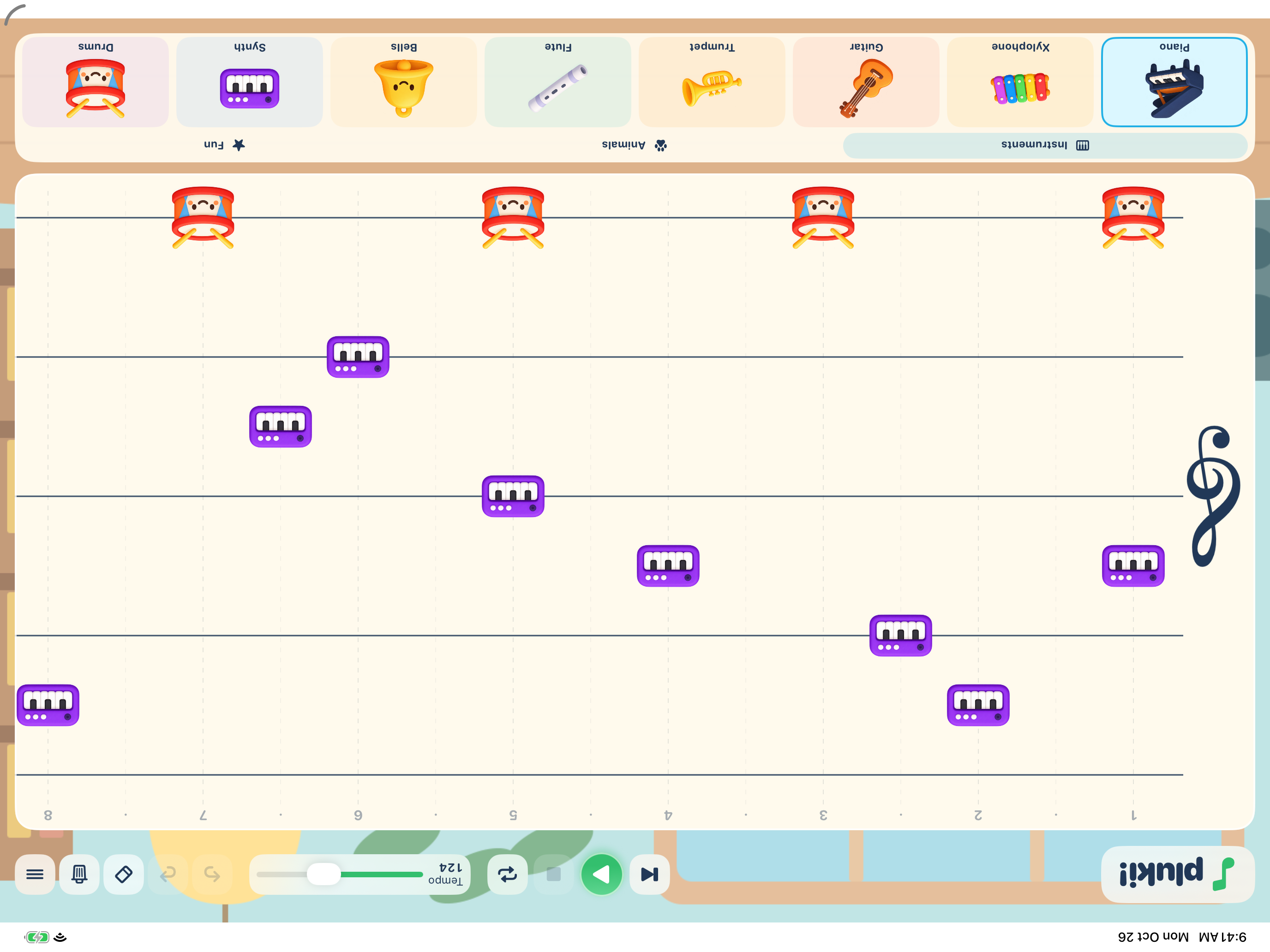
An actual Pluki composition, shown on iPad.
Find your sound.
Choose from instruments, animals, and fun sounds. Start with an editable sample, or give your own idea a go.
Tap. Move. Play.
Place stickers on the sheet. Move them up and down to change pitch, or sideways to change timing. The sheet grows as your song does.
Come back for more.
Save songs on your device and open them again whenever inspiration strikes. Adjust the tempo or loop your favorite melody.
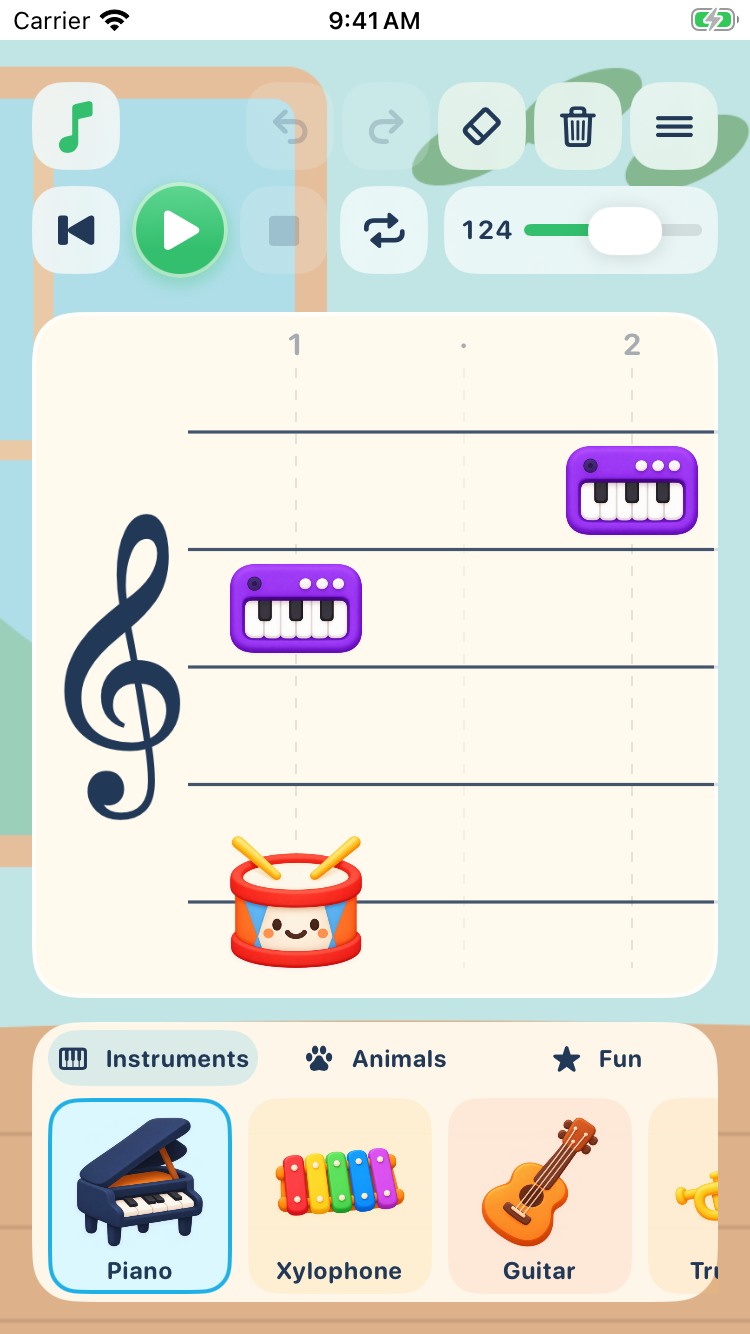
From a little song to a little film
Your music.
Ready for its close-up.
Create an animated video of your composition in portrait or landscape, then save it to Photos.
Video creation happens right on your device. A grown-up helps enable Photos saving the first time.
Composing works offline. No account, ads, or subscription. Saved projects stay on the device where you create them.
A little music is on its way.
Coming soon to the App Store.
In the meantime, find help and privacy information here.